
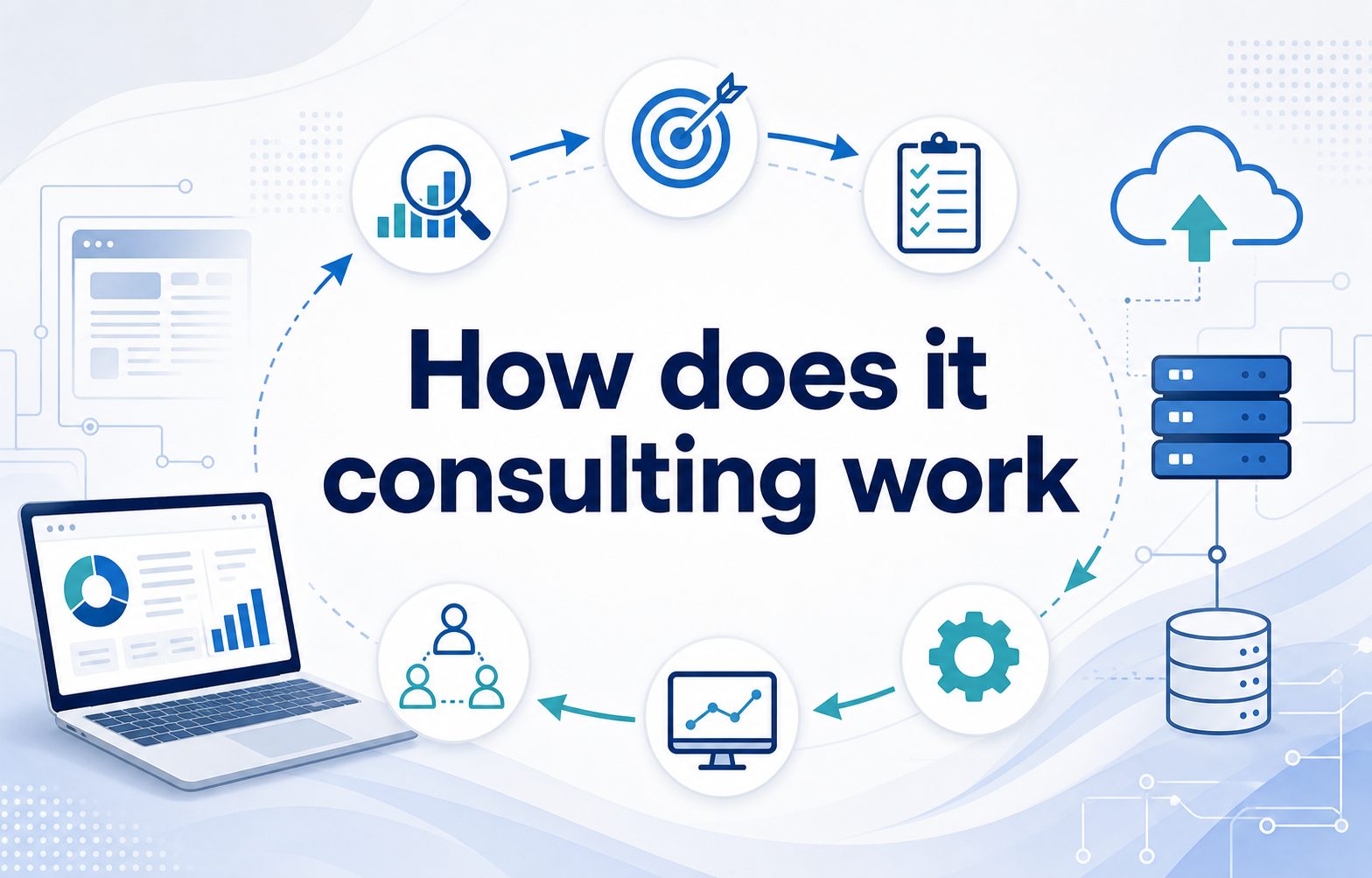
If you are asking how does IT consulting work, the simple answer is that an IT consultant helps a business solve technology problems, improve systems, reduce risk, and plan smarter digital projects. Instead of guessing which software, infrastructure, cybersecurity tools, or workflows to use, a company brings in an expert who can assess the current situation and recommend practical next steps. IT consulting can involve strategy, implementation, troubleshooting, training, cloud migration, security planning, system upgrades, automation, and long-term technology roadmaps. The goal is not just to add more tools, but to make technology serve the business better. In this guide, you will learn what IT consulting means, why companies use it, how the process works, what consultants actually do, common mistakes to avoid, best practices, real examples, and answers to frequent questions.
What IT Consulting Means
IT consulting is professional advice and support focused on technology decisions. A consultant studies a business, identifies gaps, and helps create or execute a plan that improves performance, security, efficiency, or scalability.
Some consultants focus on high-level strategy, such as choosing the right technology roadmap for the next three years. Others work hands-on with systems, networks, cloud platforms, software integrations, cybersecurity controls, data tools, or help desk improvements.
The work can be short-term or ongoing. A company might hire an IT consultant for one project, such as migrating email to the cloud, or keep one as an advisor for recurring technology planning and vendor decisions.
Good IT consulting connects technical choices to business outcomes. The consultant should explain not only what needs to change, but why it matters, how much effort it will take, and what risks need to be managed.
At its best, IT consulting gives business leaders clearer decisions, fewer costly mistakes, and a practical path from current technology problems to more reliable systems.
How IT Consulting Works Step By Step
Most IT consulting projects follow a structured process. The exact details vary, but the flow usually moves from discovery to planning, implementation, testing, and ongoing improvement.
- Initial Discussion: The business explains its goals, problems, budget, timeline, and current technology environment.
- Discovery: The consultant reviews systems, processes, users, vendors, security gaps, and performance issues.
- Assessment: Findings are organized into risks, opportunities, priorities, and possible solutions.
- Strategy: The consultant recommends a practical plan that matches the business need and available resources.
- Implementation: Approved changes are carried out, such as installing software, migrating systems, or improving workflows.
- Testing: The consultant checks whether the solution works correctly, securely, and reliably for real users.
- Training: Staff receive guidance so they can use new systems confidently and follow updated processes.
- Review: Results are measured, lessons are documented, and future improvements are planned.
Core IT Consulting Services
IT consulting covers many services, but most projects fall into a few common categories that help businesses manage technology with less confusion and more control.
1. Technology Strategy Planning
A consultant helps the business decide which technology investments matter most. This can include software choices, infrastructure planning, budget priorities, vendor selection, and future growth needs. The goal is to avoid random purchases and build a clear roadmap that supports business goals.
2. Cybersecurity Consulting
Security consultants review risks such as weak passwords, outdated systems, poor access controls, missing backups, and unsafe employee practices. They recommend protections that fit the organization, including policies, monitoring, training, incident response plans, and stronger technical controls to reduce exposure.
3. Cloud Consulting
Cloud consulting helps companies move from local servers or scattered tools to cloud-based platforms. Consultants compare options, plan migrations, manage costs, improve reliability, and make sure data is protected during and after the move to cloud services.
4. Software And System Integration
Many businesses use tools that do not communicate well with each other. IT consultants help connect systems, automate data flow, reduce duplicate work, and make reporting more accurate. This improves productivity and helps teams make decisions from cleaner information.
5. Infrastructure Improvement
Infrastructure consulting focuses on networks, servers, devices, storage, connectivity, and performance. The consultant may identify bottlenecks, aging equipment, unreliable configurations, or capacity problems, then recommend upgrades that improve speed, uptime, and day-to-day stability.
6. IT Support Optimization
Some consultants improve how internal or outsourced support is handled. They may review ticket processes, response times, documentation, user satisfaction, and recurring problems. The result is a more organized support model with fewer repeated issues and clearer accountability.
Benefits Of IT Consulting For Businesses
Companies use IT consulting because the right guidance can save time, reduce risk, and help teams make better technology decisions.
- Better Decisions: Consultants bring outside experience and help leaders compare options clearly.
- Lower Risk: Careful assessment reduces security, compliance, downtime, and implementation mistakes.
- Cost Control: A consultant can identify waste, duplicate tools, poor contracts, and unnecessary spending.
- Faster Projects: Experienced guidance helps teams avoid delays caused by unclear planning.
- Specialist Knowledge: Businesses gain access to skills they may not need full time.
- Scalable Systems: Consulting helps technology grow with the company instead of blocking growth.
Examples Of IT Consulting Work
Real examples make it easier to see how IT consulting works in everyday business situations, from small operational fixes to major digital transformation projects.
1. Moving A Business To The Cloud
A company may hire an IT consultant to move files, email, applications, or servers to cloud platforms. The consultant plans the migration, protects data, reduces downtime, trains users, and checks that security settings are correct after the transition.
2. Improving Cybersecurity After A Risk Review
A consultant might discover weak access controls, missing updates, and poor backup practices. The project could include multi-factor authentication, endpoint protection, employee awareness training, backup testing, and a basic incident response plan that helps the business react faster.
3. Replacing Outdated Business Software
When old software slows teams down, an IT consultant can gather requirements, compare vendors, estimate costs, and guide implementation. This helps the business choose a system that matches real workflows instead of buying software based only on sales claims.
4. Connecting Sales And Accounting Tools
If sales data and finance records live in separate systems, reporting can become slow and inaccurate. A consultant can design integrations that reduce manual entry, improve visibility, and make invoices, customer records, and revenue reports more consistent.
5. Creating A Technology Roadmap
A growing company may need a practical plan for devices, software, security, cloud services, and support. The consultant builds a roadmap that shows what to fix first, what can wait, and how technology spending should align with growth.
6. Reducing Recurring IT Problems
If employees keep facing slow systems, login issues, or unreliable tools, a consultant can identify the root causes. The solution may include better documentation, system cleanup, network changes, support process improvements, or replacing tools that no longer fit.
Key IT Consulting Factors
Several factors affect whether an IT consulting project succeeds. Paying attention to these areas helps businesses get useful results instead of vague advice.
- Clear Goals: The consultant needs to know what success looks like before recommending solutions.
- Accurate Discovery: Poor information leads to weak recommendations, so systems and processes must be reviewed honestly.
- Business Fit: The best technical option is not always the best business option.
- User Adoption: Employees need training and support, or even strong tools may fail.
- Security: Every technology change should consider access, data protection, backups, and compliance.
- Measurement: Results should be tracked through cost savings, uptime, speed, risk reduction, or user satisfaction.
Common IT Consulting Mistakes To Avoid
IT consulting can create strong results, but mistakes in planning, communication, or expectations can make the project more expensive and less useful.
1. Starting Without Clear Business Goals
A consulting project should not begin with only a vague request to improve technology. The business needs to define the problem, desired outcome, budget limits, and decision criteria. Clear goals help the consultant recommend practical solutions instead of broad technical ideas.
2. Choosing Tools Before Assessing Needs
Many companies pick software first and ask questions later. This often creates poor fit, low adoption, and extra costs. A consultant should review workflows, users, data, integrations, and constraints before recommending any platform or major technology purchase.
3. Ignoring Employee Adoption
Even a technically sound solution can fail if employees do not use it correctly. Training, communication, documentation, and feedback matter. Consultants should plan for real people, not just systems, because daily habits determine whether the change actually works.
4. Treating Security As An Add-On
Security should be built into every consulting project, not added at the end. Access controls, backups, permissions, data handling, and monitoring need attention during planning. Waiting until after implementation can create avoidable risk and expensive rework.
5. Skipping Documentation
When consultants make changes without clear documentation, the business becomes dependent on memory or one person’s knowledge. Good documentation should explain configurations, decisions, credentials handling, support steps, vendor details, and maintenance needs for future reliability.
6. Measuring Only Project Completion
Finishing a project is not the same as achieving value. Businesses should measure outcomes such as fewer support tickets, faster processes, lower costs, better uptime, improved security scores, or higher user satisfaction. These metrics show whether consulting delivered real improvement.
Best Practices For IT Consulting Success
Strong IT consulting depends on honest communication, practical planning, and a shared focus on measurable business improvement.
1. Define The Problem In Plain Language
Before discussing tools, describe the business problem clearly. For example, slow reporting, frequent downtime, security concerns, or inefficient manual work are better starting points than naming a specific product. This keeps the project focused on outcomes.
2. Ask For Options And Tradeoffs
A good consultant should explain more than one possible path when appropriate. Each option should include cost, risk, timeline, complexity, and long-term maintenance. This helps business leaders make informed decisions instead of accepting a single recommendation blindly.
3. Keep Stakeholders Involved
IT changes often affect finance, operations, sales, customer service, and leadership. Bringing the right people into discovery and review helps uncover hidden needs, reduce resistance, and make sure the final solution supports real workflows across the organization.
4. Prioritize High-Impact Work
Not every technology issue deserves immediate attention. Consultants should help rank work by risk, urgency, cost, and business value. This prevents teams from spending too much time on minor improvements while bigger problems remain unresolved.
5. Plan For Maintenance
Every new system needs updates, monitoring, ownership, and support. A consulting project should define who maintains the solution, how issues are handled, and when performance or security should be reviewed. This keeps improvements from fading after launch.
6. Review Results After Implementation
After the project goes live, the business should compare results against the original goals. This review may reveal training gaps, configuration changes, or future improvements. It also helps confirm whether the consulting engagement delivered meaningful value.
Practical IT Consulting Use Cases
IT consulting is useful in many real-world situations where technology decisions affect operations, security, cost, or growth.
1. Small Business Growth
A small business may outgrow basic tools and need better systems for communication, accounting, customer management, and security. A consultant can recommend affordable improvements that reduce manual work and prepare the company for steady growth.
2. Remote Work Setup
Companies with remote or hybrid teams need secure access, collaboration tools, device policies, and support processes. IT consultants help create reliable remote work environments that protect data while making it easier for employees to work from different locations.
3. Compliance Preparation
Some industries must meet privacy, security, or recordkeeping requirements. A consultant can identify gaps, improve controls, document processes, and prepare systems for audits. This reduces the chance of penalties, failed reviews, or preventable data exposure.
4. Merger Or Acquisition Support
When companies combine, their systems, data, networks, and policies often need careful review. IT consultants help assess compatibility, plan migrations, reduce downtime, and create a cleaner technology environment after the business change is complete.
5. Cost Reduction Projects
A consultant can review licenses, cloud usage, support contracts, hardware, and duplicate tools. Many businesses discover they are paying for unused software or inefficient systems. Consulting helps reduce waste without cutting technology that teams actually need.
6. Digital Transformation
Digital transformation often involves automation, better data, cloud tools, modern customer experiences, and updated internal processes. IT consultants help break large goals into realistic projects so the business can improve steadily without overwhelming teams.
Future Trends In IT Consulting
Technology changes quickly, so IT consulting is becoming more focused on automation, security, data, and flexible systems that can adapt over time.
1. More AI Assisted Workflows
Businesses are using AI to automate repetitive tasks, summarize information, improve customer support, and support decision-making. IT consultants will increasingly help companies choose safe use cases, manage data risks, and integrate AI tools into existing workflows responsibly.
2. Stronger Cybersecurity Planning
Security threats continue to grow, and many businesses cannot manage them alone. Consultants will play a larger role in risk assessments, employee training, monitoring strategies, backup planning, and incident response preparation for organizations of all sizes.
3. Greater Cloud Cost Control
Cloud services are powerful, but costs can rise quickly without monitoring. IT consultants will help companies review usage, remove waste, choose better configurations, and build governance practices that keep cloud spending aligned with real business value.
4. Better Data Integration
Companies want cleaner reporting and faster insights, but data often sits across disconnected tools. Consultants will focus more on connecting systems, improving data quality, and helping leaders trust the information used for planning and performance reviews.
5. Flexible Managed Support Models
Many businesses want expert help without hiring a large internal IT team. Consulting and managed services will continue to blend, giving companies access to strategy, monitoring, troubleshooting, and ongoing improvement through flexible support arrangements.
6. More Focus On Change Management
Technology projects increasingly fail because of people and process issues, not only technical flaws. Future IT consulting will place more emphasis on communication, training, adoption, governance, and leadership alignment so improvements actually become part of daily work.
Frequently Asked Questions
1. What Does An IT Consultant Actually Do?
An IT consultant reviews a company’s technology needs and recommends or implements improvements. Their work may include strategy, cybersecurity, cloud migration, software selection, system integration, infrastructure upgrades, training, and support planning. The exact role depends on the business problem and project scope.
2. How Does IT Consulting Work For Small Businesses?
For small businesses, IT consulting often starts with an assessment of current tools, risks, costs, and pain points. The consultant then recommends practical improvements that fit the budget, such as better security, cloud systems, backup planning, software upgrades, or more organized support.
3. Is IT Consulting Only For Large Companies?
No. Small and mid-sized businesses often benefit from IT consulting because they may not have full-time specialists on staff. A consultant gives them access to expert guidance for important decisions without the cost of hiring every skill internally.
4. How Long Does An IT Consulting Project Take?
The timeline depends on the project. A simple assessment may take a few days or weeks, while cloud migration, cybersecurity improvement, or software implementation can take several months. Clear goals, available documentation, and quick decisions usually make the work move faster.
5. How Much Does IT Consulting Cost?
Costs vary based on experience, location, project complexity, and whether the consultant charges hourly, daily, monthly, or by project. The cheapest option is not always best. Businesses should compare value, expertise, scope, communication, and expected results before choosing.
6. How Do I Know If I Need IT Consulting?
You may need IT consulting if technology problems are slowing work, security risks are unclear, systems do not connect, costs feel hard to control, or upcoming projects require skills your team does not have. A consultant can clarify priorities and next steps.
Conclusion
IT consulting works by bringing expert guidance to technology problems, decisions, and projects. A consultant assesses the current environment, identifies risks and opportunities, recommends practical solutions, helps implement improvements, and measures whether the changes create real business value.
The best results come from clear goals, honest discovery, strong communication, and attention to both technology and people. When used well, IT consulting helps businesses reduce risk, improve efficiency, control costs, and build systems that support long-term growth.